The Georgian Font Dilemma: How to Optimize Web Typography
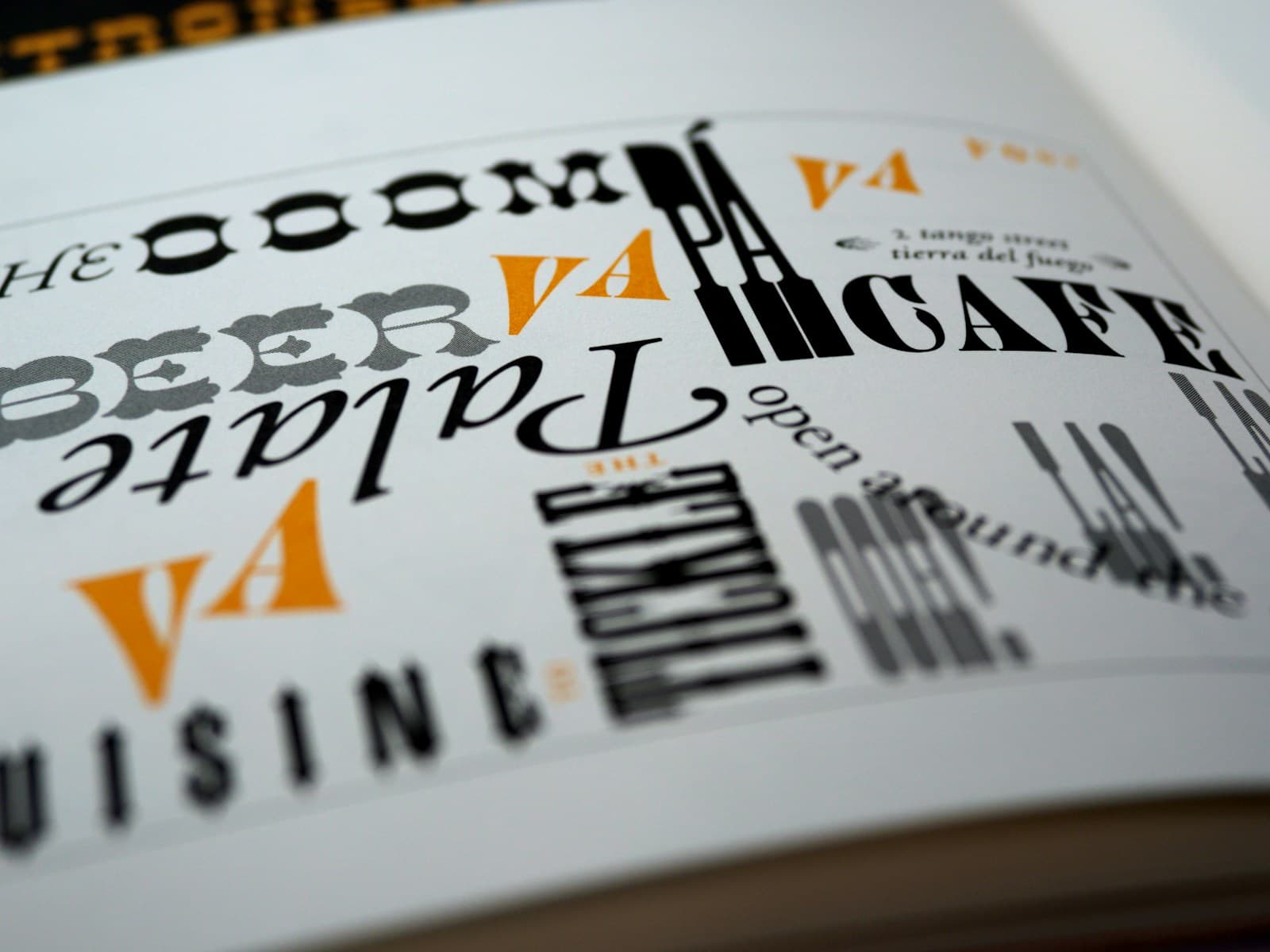
The 2-Second Layout Shift: Why Georgian Fonts are a Performance Nightmare
In the competitive landscape of web performance Georgia, first impressions are dictated by how your text renders. We've all seen it: you open a site on a smartphone in a Georgia cafe, the text appears in a generic sans-serif, and then—*bam*—two seconds later, the Georgian Mkhedruli font kicks in, pushing content down and ruining the user experience. This is Cumulative Layout Shift (CLS), a silent killer for both Google rankings and conversion rates.
For Georgian businesses, where the unique script requires specific external fonts not built into every OS, this "font flicker" is more than an annoyance; it’s technical debt. In 2026, Core Web Vitals are the primary lens through which Google judges your site. If your site "jumps" during load, you are being penalized, regardless of your content quality.
The Mkhedruli Challenge: Beyond Standard Latin Optimization
Most performance guides focus on the Latin alphabet. But the Georgian script—Mkhedruli—has unique vertical metrics, ascenders, and character widths. When a browser swaps a fallback system font (like Arial) for a custom Georgian font (like Noto Sans Georgian), the height difference can be significant. This causes the layout shift.
In a mobile-first market like Georgia, where 85% of users browse on smartphones and 4G connections can be inconsistent, these shifts are magnified. If your Georgia digital agency isn't accounting for these script-specific metrics, your Lighthouse score will suffer. It’s about ensuring a user in Batumi has the same smooth experience as someone in Vake.
Implementing Next.js Font Optimization for Zero CLS
The good news is that Next.js provides a built-in solution: `next/font`. This module doesn't just host fonts; it automatically calculates the "size-adjust" property, creating a ghost-match of your fallback font to the custom Georgian one. This is a game-changer for web development Georgia, allowing high-fidelity typography without the performance penalty.
The Magic of Size-Adjust and Preloading
When using `next/font/google`, Next.js injects CSS that instructs the browser how to scale the fallback font so it occupies the same physical space as the Georgian font before it loads. This eliminates the jump entirely. Fonts are also preloaded only for the routes that actually use them, so pages that don't render Georgian text carry no font overhead at all. The result is that your web development project gets tight typography without the performance penalty.
Subsetting and Compression: Why You Shouldn't Load Every Character
A common mistake is loading massive font files with thousands of unnecessary characters. A full Unicode font can exceed 500kb, an unacceptable burden for mobile users. To stay fast, you must utilize subsetting.
Subsetting strips away characters you don't need. For Georgian sites, this means focusing strictly on Mkhedruli, numbers, and basic punctuation. At Effect Design, we ensure font files are served in the WOFF2 format, which often reduces weight by up to 70% compared to older formats like TTF.
Variable Fonts: The Future of Georgian Typography
As we look toward 2027, Variable Fonts are the new standard. Instead of loading separate files for "Regular" and "Bold," a variable font uses a single file for all variations. For Georgian, this is powerful, allowing designers to fine-tune weight for maximum readability on low-res screens without extra bytes.
Using a variable font with `next/font` simplifies your CSS while boosting your PageSpeed Insights score. It separates a generic site from a top-tier digital product.
Where to Start if Your PageSpeed is Already Suffering
If your site already has a CLS problem, the Chrome DevTools Performance tab will show Layout Shift entries tied to specific elements — usually headings that swap from a system font to a Georgian one. That's your diagnosis. The fix is migrating from old `<link>` font tags to `next/font`, defining a system fallback that closely matches Georgian character density, and confirming `font-display: swap` is set so text is readable the instant HTML is parsed. None of these changes touch your visual design — they only change when and how fonts are delivered to the browser.
The Business Impact: Speed is Trust
In 2026, user patience is low. A site that shifts while a customer clicks "Buy Now" loses money. Technical excellence in font delivery isn't just about pleasing bots; it's about providing a professional experience for every visitor.
At Effect Design, we treat typography as a performance asset. We ensure your Georgian brand message arrives fast and stays stable. Don't let a slow font loading strategy hold your business back from its full digital potential.